NFT Minter
This guide outlines the process for minting an NFT (Non-Fungible Token) on our platform. Note that minting an NFT requires credits, which can be purchased on the marketplace. For more information on how credits work and how to purchase them, see NFT Minter Credits.
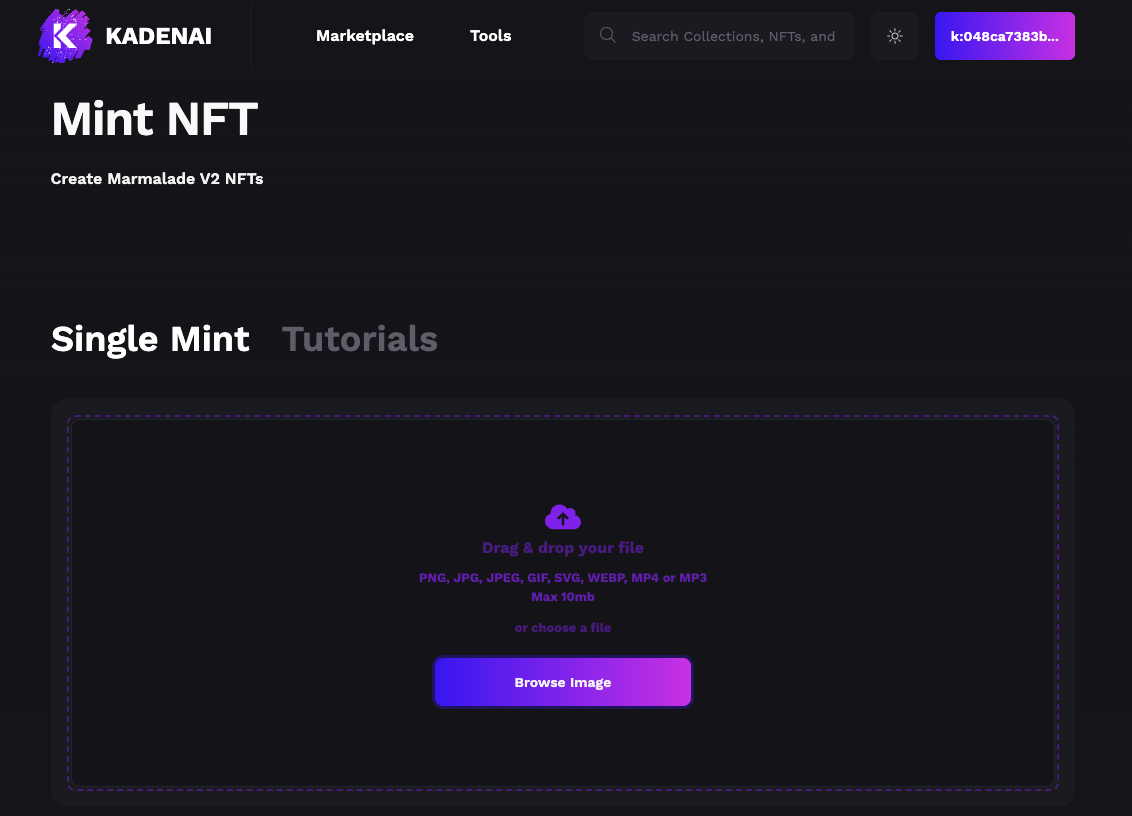
Step 1: Select an Image
Begin by selecting an image you wish to mint as an NFT. The image size must not exceed 10MB.
Note
Ensure your image adheres to our content guidelines.
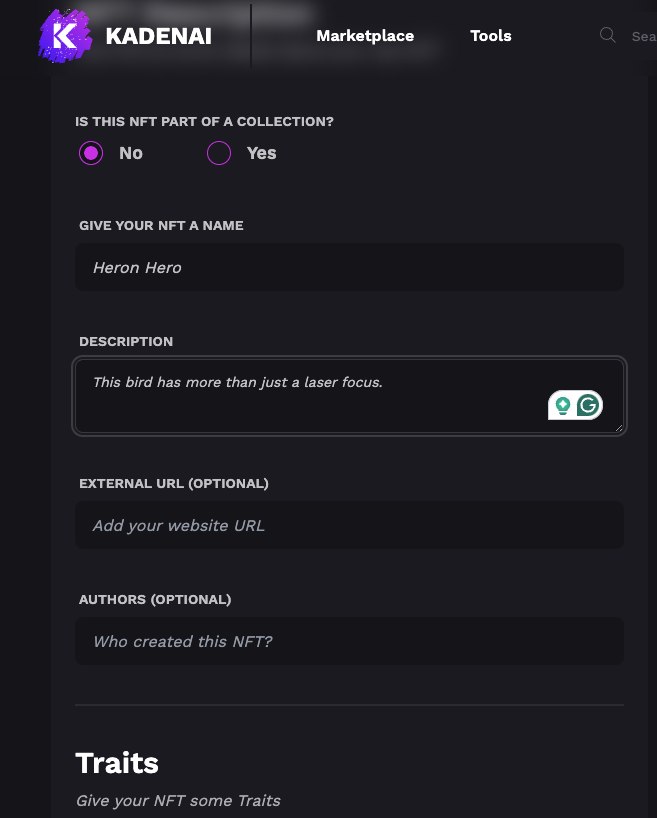
Step 2: Add a Name and Description
Provide a unique name and a detailed description for your NFT. This information will be visible on the marketplace and is important for potential buyers.
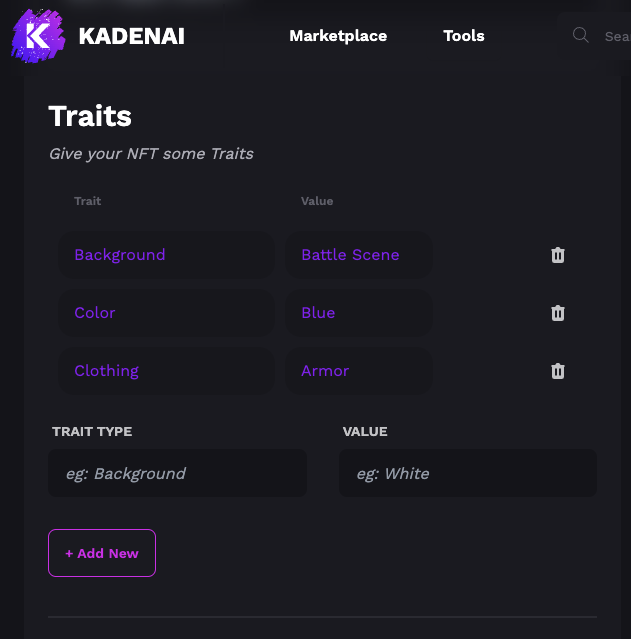
Step 3: Add Traits (Optional)
You can add traits to your NFT to make it more unique and valuable. Traits can include characteristics like color, background, or special abilities.
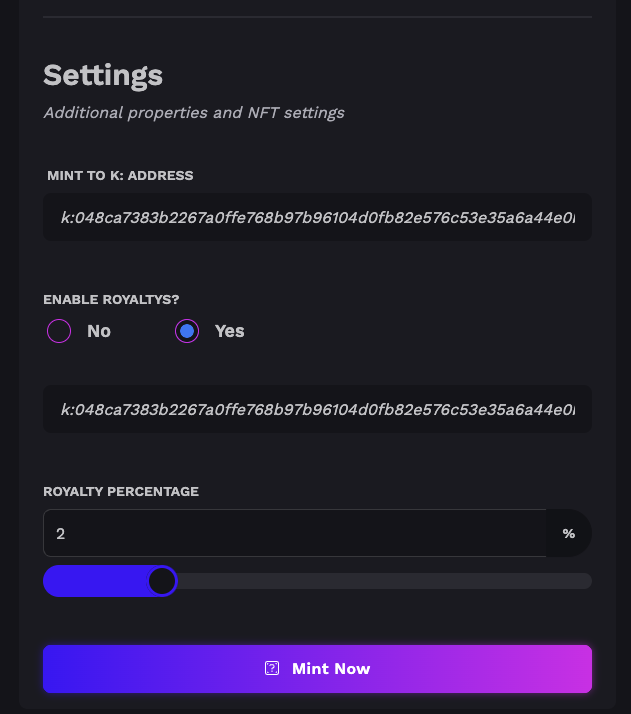
Step 4: Decide on Royalties
Decide if you want to add royalties to your NFT. Royalties allow you to earn a percentage of sales whenever your NFT is sold on the secondary market. You will also need to select who the NFT should be minted to, which defaults to the connected user’s account.
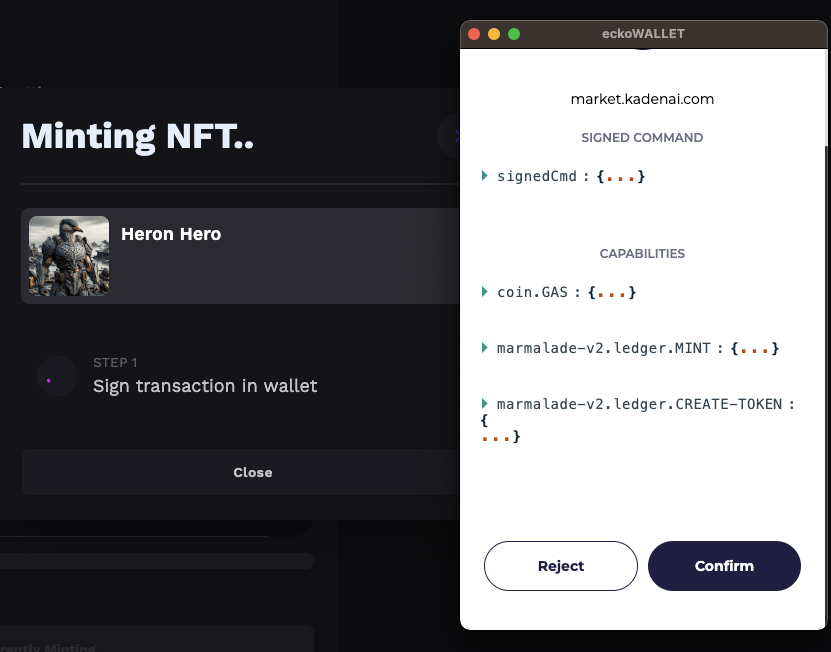
Step 5: Confirm the Transaction
Review all the details of your NFT, including the selected image, name, description, traits, and royalty settings. Once you’re satisfied, confirm the transaction. Your NFT will be minted and should appear in your collection shortly.
After Minting
Once minted, your NFT will be available in your collection and on the marketplace, subject to the terms you’ve set. Remember, the value of an NFT can fluctuate based on demand, rarity, and other market factors.
post-minting resources
For additional support or questions regarding the minting process, please contact our support team.
Support/FAQ section